All tutorials

Stratson support

Past conversations

Find a previous conversation

Reopen an earlier conversation from a project’s history. Open the relevant project and select Agent in its sidebar.

  1. 1. Open conversation history

    Select the history icon at the top right of the project workspace. It looks like a clock with a returning arrow, between the plus button and the notification bell.

    Project Agent view with the conversation history icon circled at the top right.
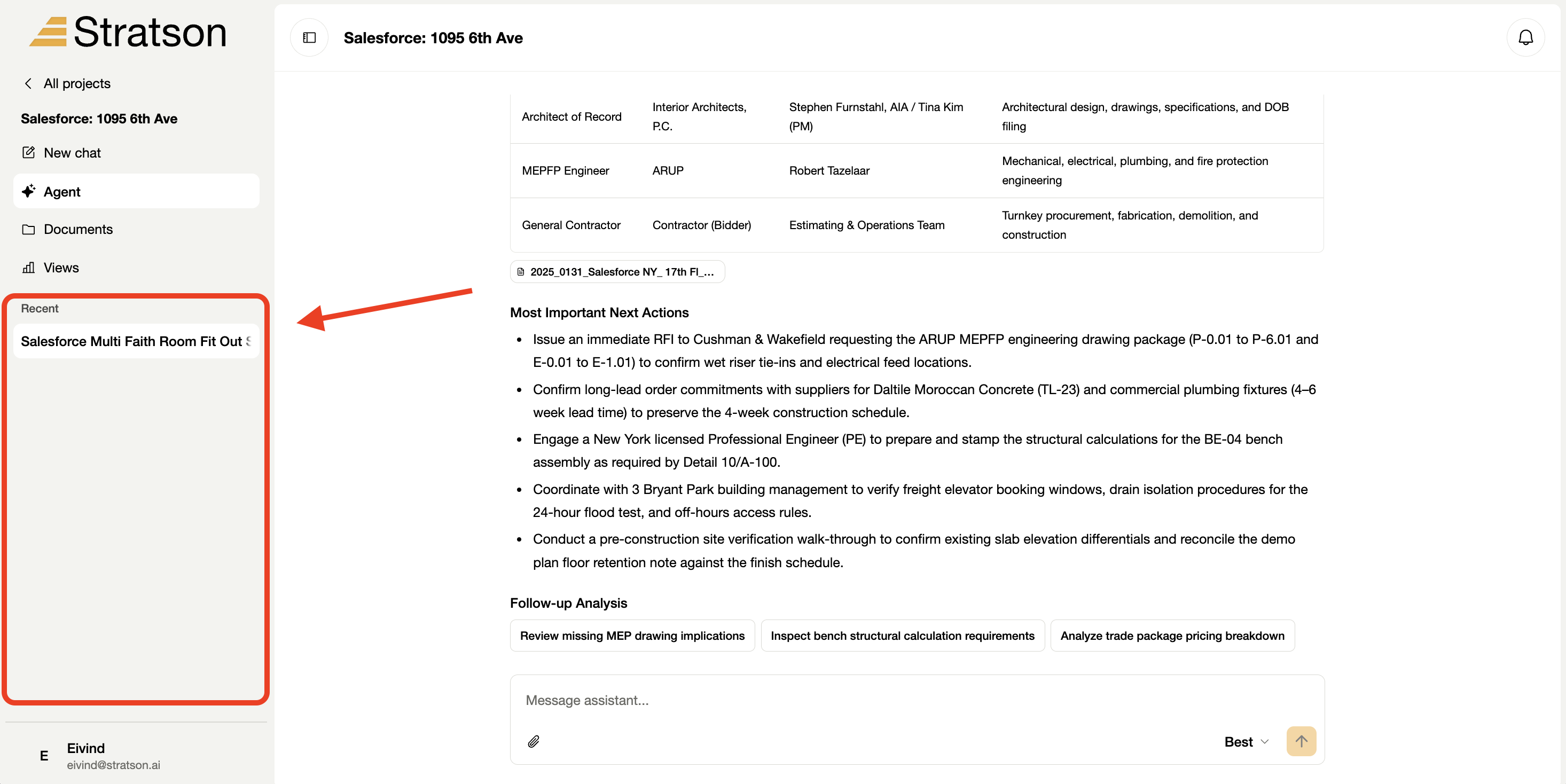
  2. 2. Choose a conversation

    The Conversation history (Samtalehistorikk) panel lists earlier conversations with their titles and previews. Select a conversation to reopen it. The red bracket marks the list; New conversation (Ny samtale) starts a separate conversation.

    Conversation history panel showing a list of previous project conversations marked with a red bracket.